You’ve probably seen a .heic file pop up on your phone or computer. Maybe you took a photo on your iPhone and noticed it saved in this format. So, what is a HEIC file? This post will help you understand everything you need to know about HEIC files and why they matter.
What is HEIC File?
HEIC stands for High Efficiency Image Format. Think of it like a new way to pack your clothes in a suitcase. Instead of stuffing everything in haphazardly, you fold and organize them neatly. HEIC compresses your images into smaller files without losing quality. That means you get to keep all your beautiful photos without taking up too much space on your device.
Why Use HEIC?
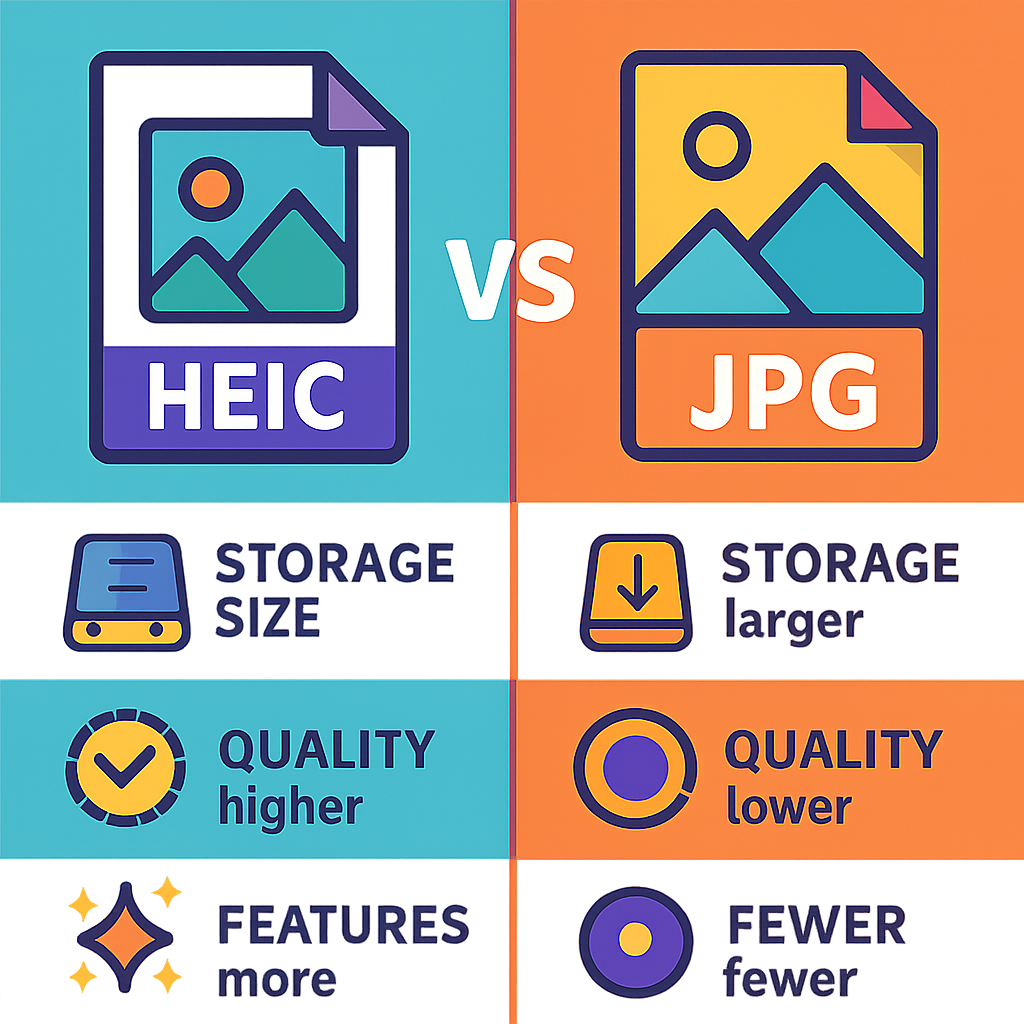
The main reason to use HEIC is its efficiency. HEIC files take up less storage than traditional formats like JPG. This is especially helpful for people who take a lot of photos. With HEIC, you can save more images on your phone or tablet without worrying about running out of space.
How is HEIC Different from JPG?
While both HEIC and JPG are image formats, there are some key differences. JPG files are older and more widely used. They’re like the classic T-shirt that everyone owns. HEIC files, on the other hand, are newer and more advanced. They’re like the latest fashion trend that offers more benefits. HEIC files can store more information, like multiple images in one file and even transparency options. Plus, they keep your photos looking sharp!
How to Open HEIC Files
You may wonder how to open HEIC files if you're not using an Apple device. Good news! Many newer versions of Windows, Android, and even some web browsers can handle HEIC files. However, if you run into trouble, you can convert HEIC to JPG or PNG using a free online tool like heic.me. This way, you can view your photos without a hitch.
How to Convert HEIC Files
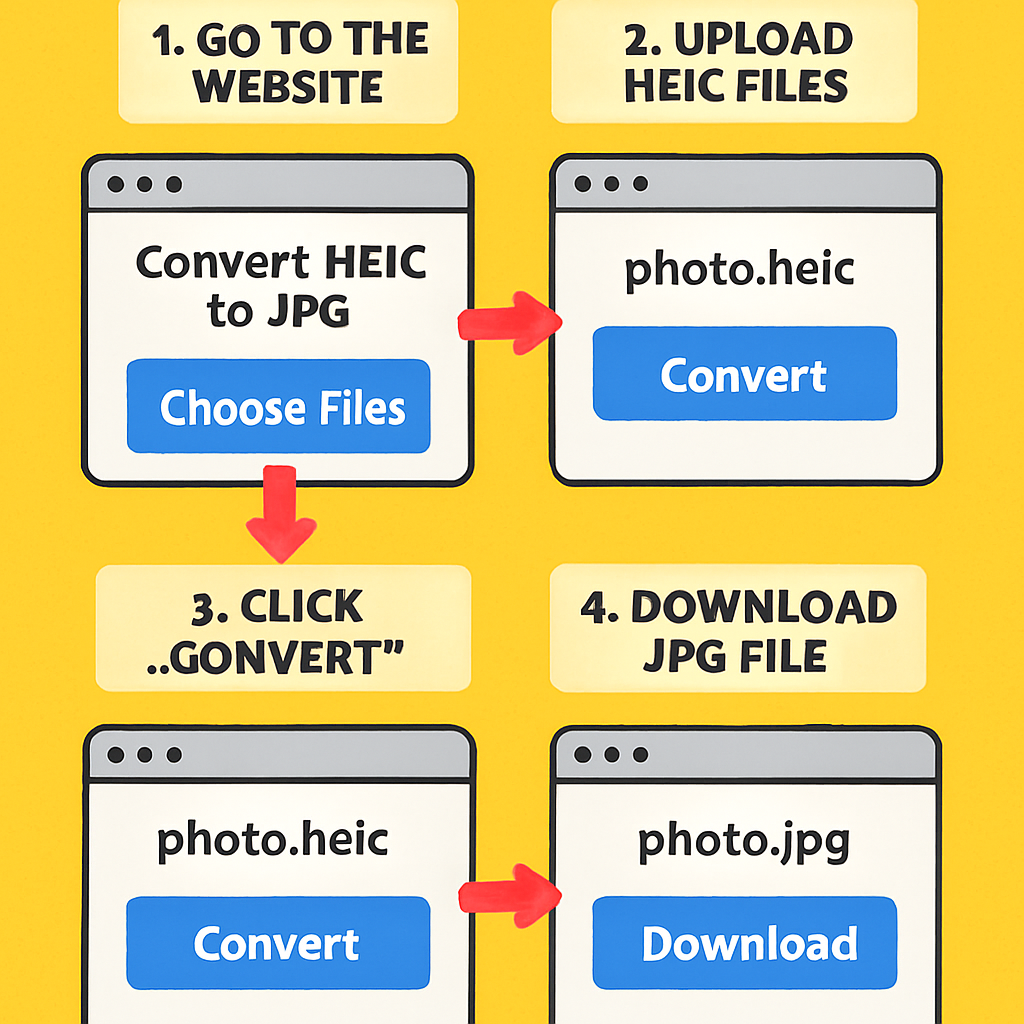
If you need to convert your HEIC files, it’s super easy. Here’s how:
Visit a conversion website, like heic.me.
Upload your HEIC file.
Select the format you want to convert to, like JPG or PNG.
Click the convert button and download your new file!
This process is quick and doesn’t require any downloads or sign-ups. You can convert multiple files at once, making it even easier!
Common Questions about HEIC Files
Can I convert HEIC to JPG for free?
Yes! You can convert HEIC files to JPG for free using online tools like heic.me. There are no costs involved, and it’s quick and easy.
Are HEIC files smaller than JPG files?
Yes, HEIC files are usually smaller than JPG files. This is because HEIC uses advanced compression. So, you can store more photos without taking up too much space on your device.
Do all devices support HEIC files?
Not all devices support HEIC files. Most Apple devices do, but older Windows and Android devices may not. If you can’t open a HEIC file, you can always convert it to a more common format.
What are the advantages of using HEIC?
HEIC files have several advantages. They take up less space, support multiple images in one file, and maintain high image quality. This makes them perfect for photography enthusiasts and anyone who loves taking pictures.
Conclusion
HEIC files are a smart choice for storing your images. They save space and keep your photos looking great. If you ever need to convert HEIC files to a more common format, try the free tool at heic.me. No installs, no sign-up — just drag, drop, and done!