Have you ever tried to share a photo from your iPhone only to find it's in HEIC format? This can be a hassle, especially if you need to send it as a PDF. The good news is that converting HEIC to PDF is easier than you think! In this post, I’ll show you the best tools and methods to do this without any fuss.
What is HEIC?
HEIC stands for High Efficiency Image Coding. It’s a file format that saves photos in a smaller size without losing quality. Think of it like packing a suitcase efficiently — you can fit more clothes without making it look cluttered. Apple devices often use HEIC because it helps save space. But sometimes, you need your photos in a more common format, like PDF.
Why Convert HEIC to PDF?
There are several reasons you might want to convert HEIC to PDF. PDFs are widely used and can be opened on almost any device. They are great for sharing documents, and they keep your images looking sharp and clear. Plus, if you need to print your photos, PDFs are usually the way to go.
Best Tools to Convert HEIC to PDF
Now let’s dive into some of the best tools you can use to convert HEIC files to PDF. Each has its own perks, so you can pick one that suits your needs.
1. Online Converters
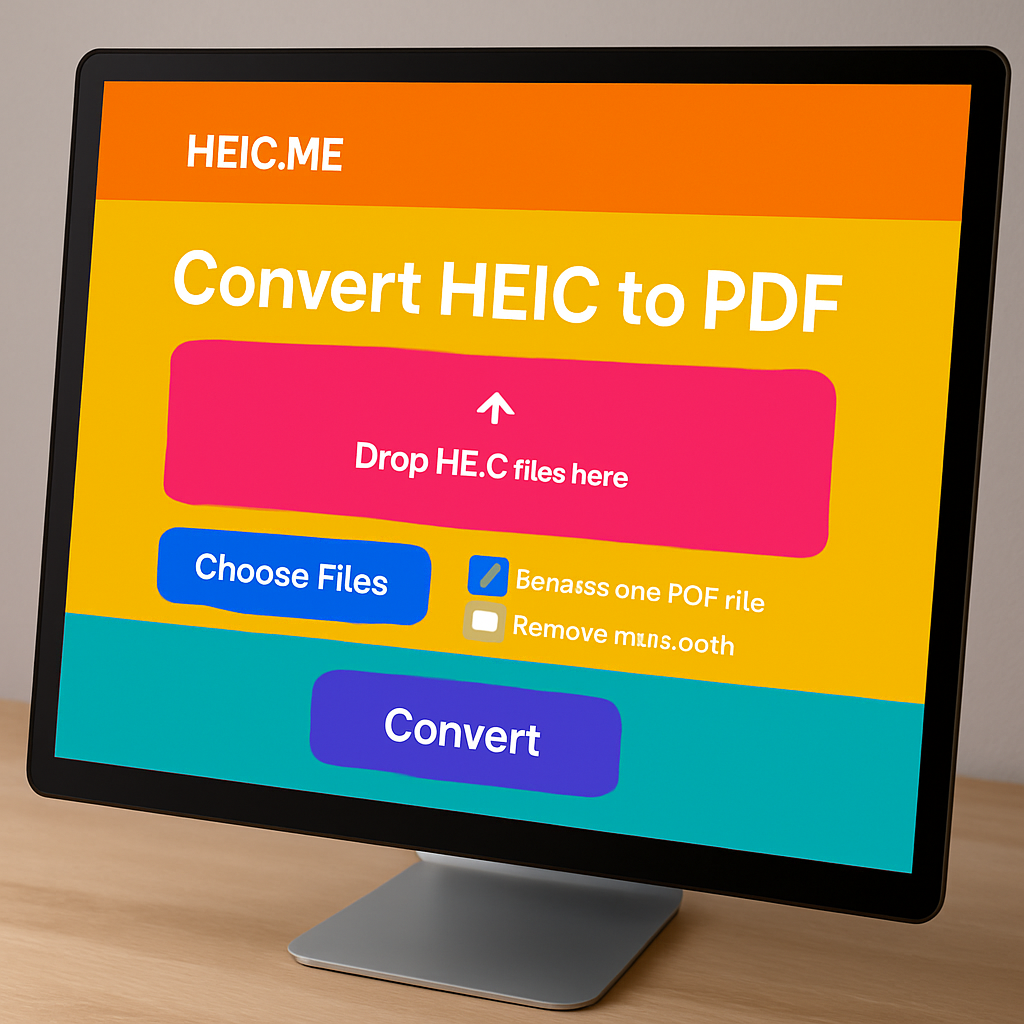
Online converters are super convenient. You don’t have to download anything, and they’re usually free. One great option is heic.me. Here’s how to use it:
Go to the website.
Upload your HEIC file.
Choose PDF as the output format.
Click “Convert” and download your file!
2. Software for Your Computer
If you prefer offline options, software like Adobe Acrobat can work well. Here’s how:
Open Adobe Acrobat.
Import your HEIC file.
Click “Save As” and select PDF.
This method is handy if you have many files to convert at once.
3. Mobile Apps
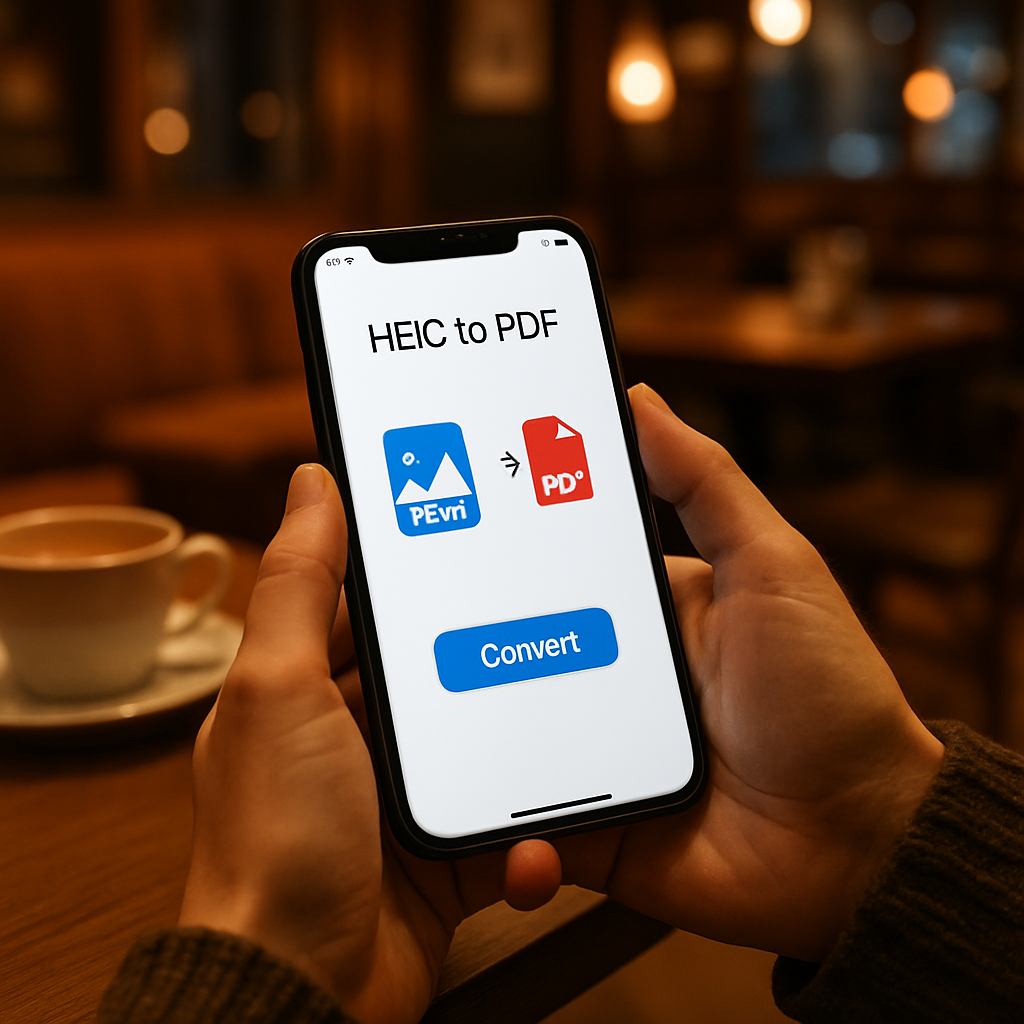
There are also apps for your phone. If you’re on the go, apps like “HEIC to PDF Converter” can help. Just download the app, select your HEIC files, and convert them to PDF in a few taps. This is perfect for quick conversions directly from your iPhone or Android.
How to Choose the Best Method?
When deciding how to convert HEIC to PDF, think about what’s easiest for you. If you want speed and no extra downloads, online converters like heic.me are the best. For bulk conversions, software might be better. And if you’re using your phone, go for a dedicated app.
FAQ
Can I convert HEIC to PDF for free?
Yes! Many online tools and apps allow you to convert HEIC to PDF at no cost. Just choose a reliable site like heic.me.
Will the quality change when converting HEIC to PDF?
Generally, the quality should remain the same when converting from HEIC to PDF. These formats are designed to keep your images sharp and clear.
How do I open a PDF file on my phone?
You can open PDF files on your phone using various apps, like Adobe Reader or even your web browser. Most phones have built-in support for PDFs.
Is there a limit to the file size when converting online?
Some online converters might have size limits, but many, like heic.me, allow you to convert larger files without issues.
Can I convert multiple HEIC files to PDF at once?
Yes! Many tools, including heic.me, support batch conversion, so you can convert several HEIC files to PDF in one go.
Conclusion
Converting HEIC to PDF is simple and can be done in various ways. Whether you use an online converter, software, or a mobile app, you can easily change your files to PDF format. Try the free tool at heic.me for fast conversions — no installs, no sign-up, just drag, drop, and done!