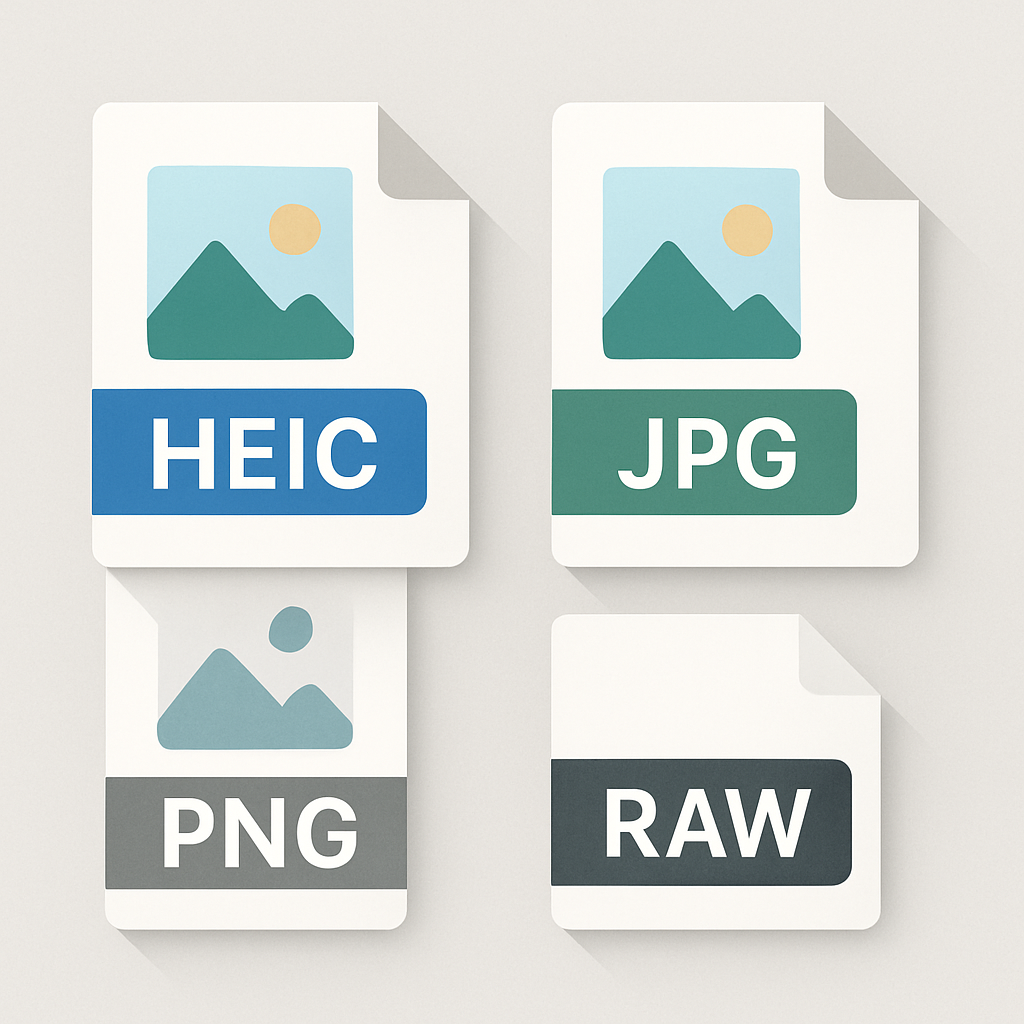
Imagine you just took some amazing photos on your phone. Now, you want to share them with friends or edit them later. But which file format should you choose? HEIC, JPG, PNG, and RAW all have their pros and cons. In this post, we will break down these formats so you can pick the best one for your needs.
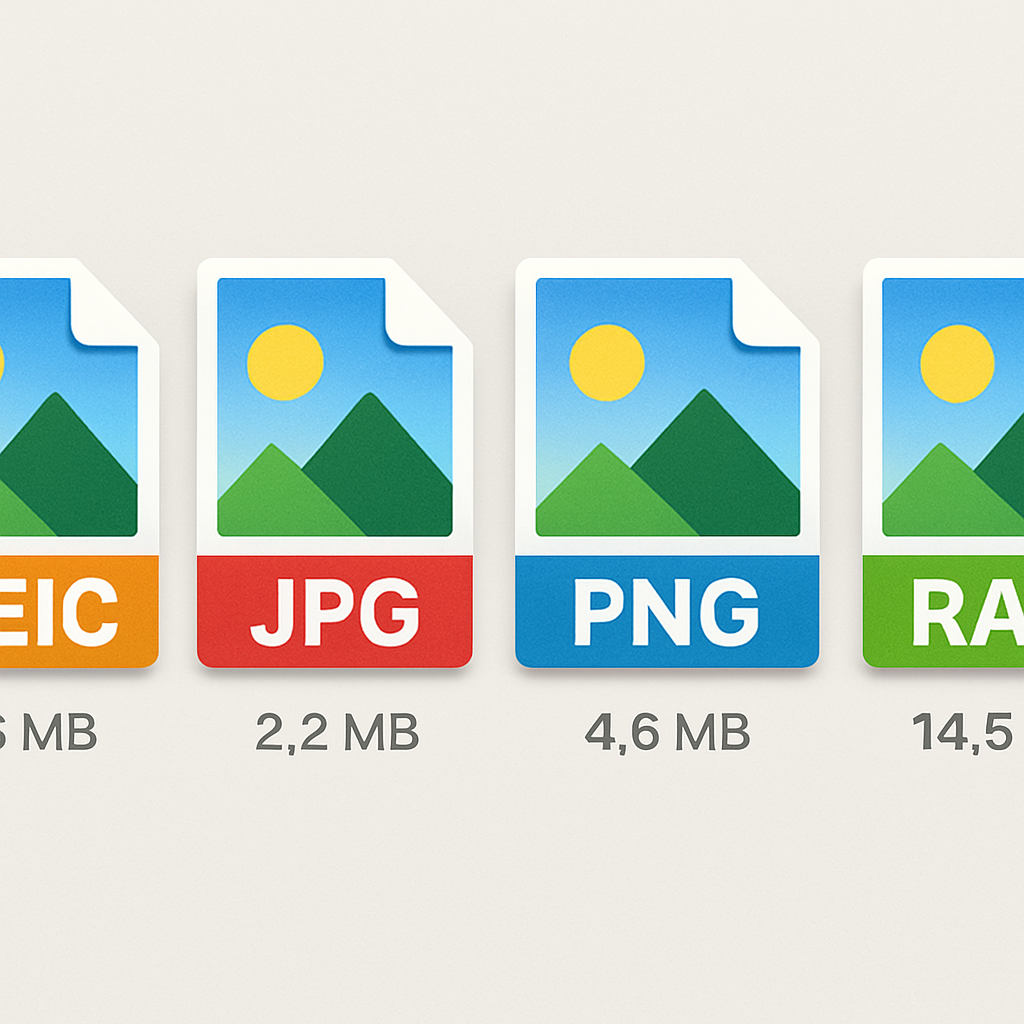
What is HEIC, JPG, PNG, and RAW?
Let’s start with a quick look at each format.
HEIC: This is a modern format that saves images with high quality but smaller file sizes. Think of it like packing a suitcase efficiently. You get all your clothes in there without taking up too much space.
JPG: A very common format that balances image quality and file size. It’s like a takeout box that keeps your food fresh but can get soggy if you keep it too long.
PNG: This format is great for images with transparency, like logos. It’s like a clear plastic bag that lets you see what’s inside without any mess.
RAW: This format captures all the data from your camera’s sensor. It’s like having a full set of colored pencils to create your masterpiece, but it takes up a lot of space and requires more work to finish the image.
HEIC vs JPG
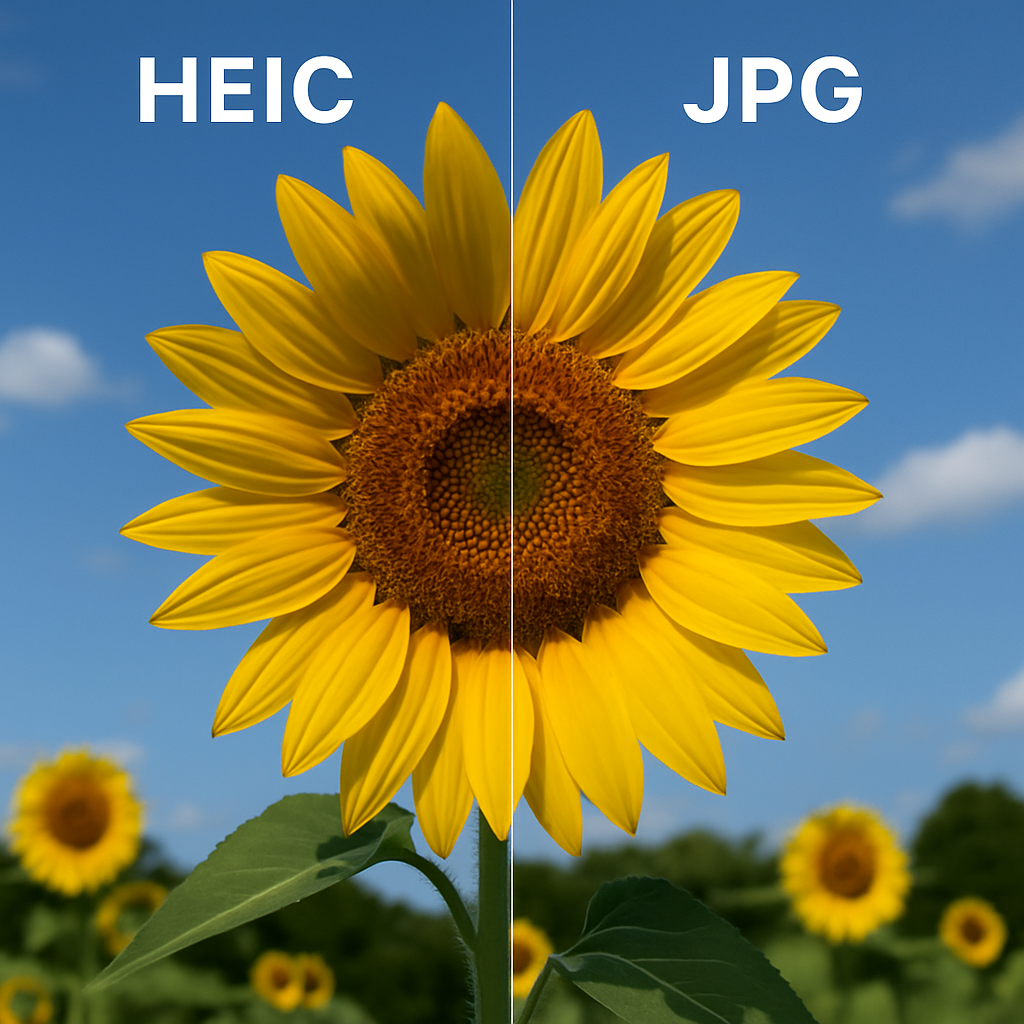
HEIC is newer than JPG and offers better quality at smaller sizes. When you save a photo as HEIC, it looks great but takes up less room on your device. This is perfect for saving space on your phone, especially when you take a lot of pictures.
On the other hand, JPG is universally accepted. You can open it on almost any device without issues. However, the quality can drop if you edit and save it multiple times. If you need to share photos with others or upload them online, JPG is often the safer choice.
PNG vs JPG
PNG is a great choice when you need clear, sharp images, especially for graphics or logos. Unlike JPG, PNG doesn’t lose quality no matter how many times you edit it. However, PNG files are usually bigger than JPGs, so they can eat up storage fast.
If you’re sharing photos of family events or vacations, JPG is often a better choice for its smaller size. But if you’re creating something that needs to look perfect, like a company logo or a web graphic, go with PNG.
RAW vs HEIC/JPG/PNG
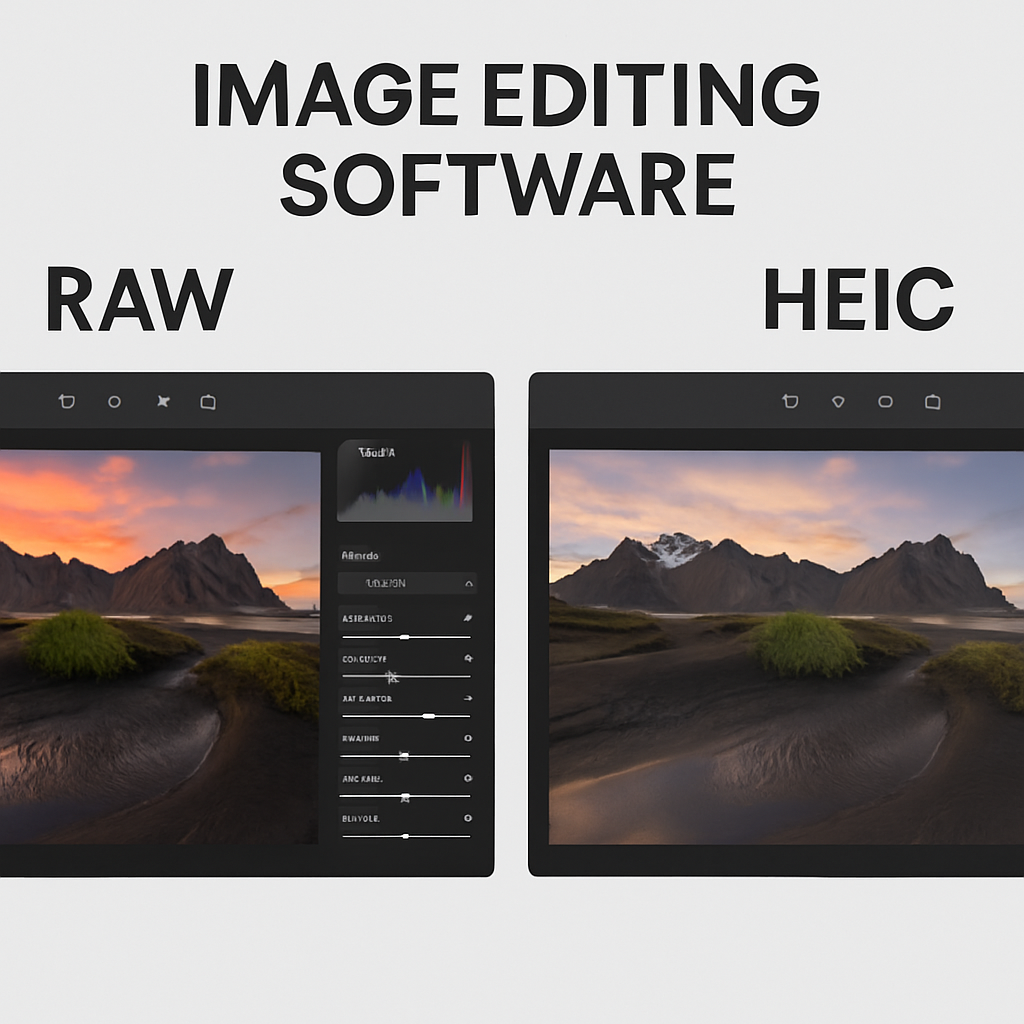
RAW files are the go-to for professional photographers. They hold all the details from the camera’s sensor, giving you the most control when editing. However, they take up a lot of space and aren’t as easy to share.
HEIC, JPG, and PNG are easier to use for everyday photos. If you want to edit your pictures later, RAW is the best choice. But if you want to save and share quickly, HEIC or JPG are more convenient.
Which Format Should You Use?
The choice between HEIC, JPG, PNG, and RAW really depends on what you plan to do with your photos. Here’s a quick guide:
If you want to save space on your device without losing quality, choose HEIC.
For general sharing and compatibility, JPG is your best bet.
If you need transparency and high quality, go with PNG.
For professional editing and the best quality, use RAW.
FAQ Section
What is the main benefit of HEIC?
The main benefit of HEIC is that it provides high-quality images in smaller file sizes. This means you can store more photos on your device without sacrificing quality.
Can I open HEIC files on a Windows computer?
Yes, you can open HEIC files on Windows, but you might need to install a special codec. Alternatively, you can convert HEIC files to JPG or PNG for easier access.
Is PNG better than JPG?
PNG is better than JPG for images with lots of details or transparency. However, JPG is smaller in size, making it easier to share online.
Are RAW files worth it?
Yes, RAW files are worth it if you’re serious about photography. They give you more control over your edits but require more storage and processing time.
Can I convert HEIC to JPG easily?
Yes! You can easily convert HEIC to JPG using online tools like heic.me. It’s fast and requires no downloads!
Conclusion
Choosing between HEIC, JPG, PNG, and RAW depends on your needs. For quick sharing, HEIC or JPG is great. For detailed work, choose RAW or PNG. If you need to convert files, try our free tool at heic.me. No installs, no sign-up — just drag, drop, and done!