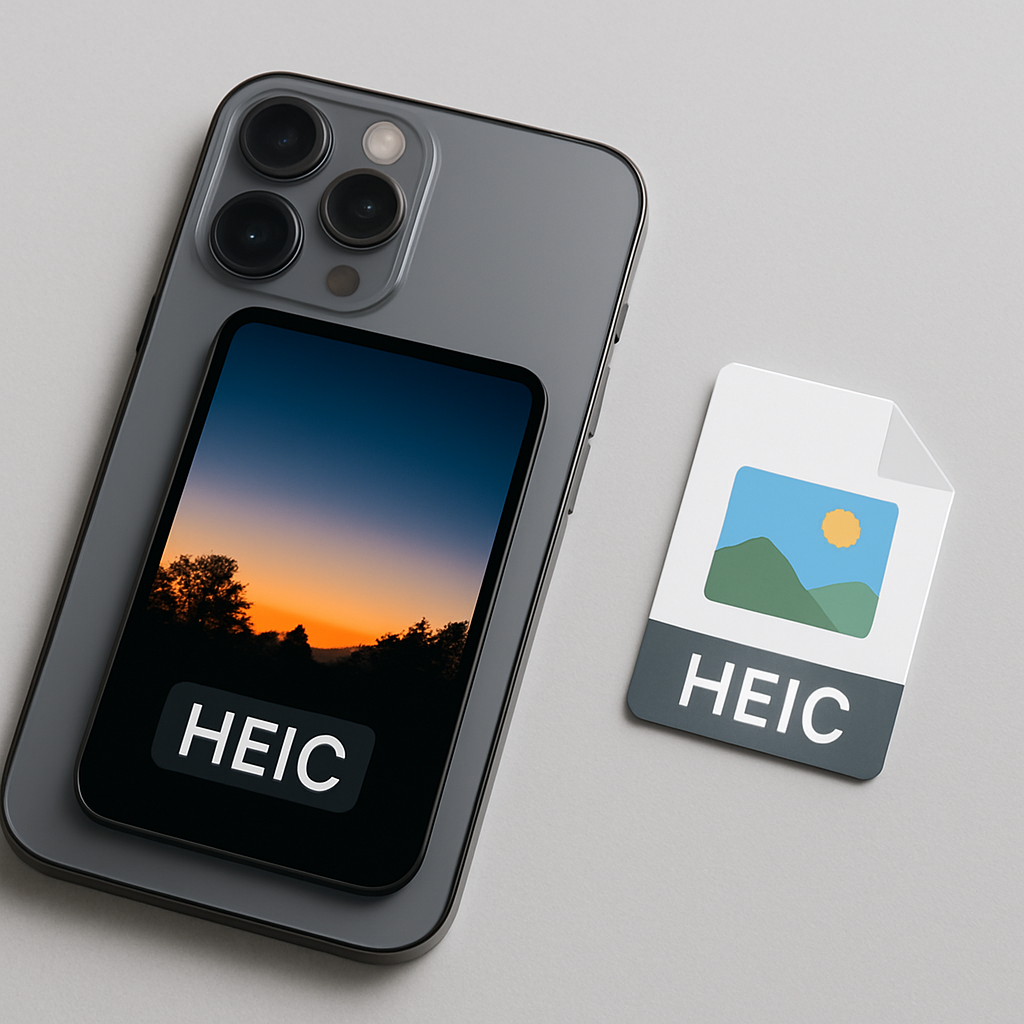
Have you ever noticed your iPhone saves photos as HEIC files? This can be confusing, especially if you’re trying to share pictures with friends or transfer them to your computer. In this post, you’ll learn why your iPhone uses HEIC and how to change it to a more common format like JPG.
What is HEIC?
HEIC stands for High Efficiency Image Container. It’s a file format that Apple started using to save photos on iPhones and iPads. Think of it like a suitcase that holds your clothes. The HEIC format packs your photos tightly, so they take up less space on your device without losing quality. This is especially useful if you take a lot of pictures!
Why Does My iPhone Use HEIC?
iPhones save photos as HEIC because it helps save space. HEIC files are smaller than JPG files but still look great. For example, a HEIC file might be half the size of a JPG file. This means you can store more photos on your iPhone, which is important if you love snapping pictures!
Pros and Cons of HEIC
Pros:
Smaller file size means more storage.
Better quality photos, especially in low light.
Cons:
Not all devices or apps support HEIC files.
Can be tricky to share with non-Apple users.

How to Change HEIC to JPG on Your iPhone
If you find HEIC files annoying, you can change your iPhone settings. Here’s how:
Step 1: Open Your Settings
Tap on the Settings app on your iPhone. It looks like a gear icon.
Step 2: Go to Camera Settings
Scroll down and tap on Camera. This is where you can change how your photos are saved.
Step 3: Change the Formats
Tap on Formats. You’ll see options for High Efficiency and Most Compatible. Select Most Compatible to save photos as JPG instead of HEIC.
Step 4: Test It Out
Now take a new photo and check the format. It should be saved as a JPG!
How to Convert Existing HEIC Photos to JPG
If you already have photos saved as HEIC and want to convert them, you can use online tools like heic.me. It’s simple:
Go to heic.me.
Upload your HEIC files.
Select JPG as the output format.
Download your new JPG files!
Why Use an Online Tool?
Using an online converter means you don’t have to install anything. It’s quick and easy, plus your files stay private since they don’t leave your device!
FAQ
Why does my iPhone save photos in HEIC?
Your iPhone saves photos in HEIC to save space while keeping high quality. This is great for users who take lots of pictures.
Can I change HEIC to JPG on my computer?
Yes, you can! There are many software options and online tools that can convert HEIC to JPG on your computer.
Is HEIC better than JPG?
HEIC is better for storage and quality compared to JPG. However, not all devices support HEIC, which can be a downside.
How do I share HEIC photos with non-Apple users?
You can convert HEIC photos to JPG using an online converter. This makes it easy to share with anyone, no matter what device they use.
Can I still view HEIC files on my computer?
Yes, most recent versions of Windows and macOS can view HEIC files. However, older systems might need additional software.
Conclusion
HEIC files can save you space and keep your photos looking great, but they can also be tricky to share. If you prefer JPG, changing your iPhone settings is easy. Plus, if you need to convert HEIC files, you can use the free tools at heic.me — no sign-up or downloads needed, just drag, drop, and done!