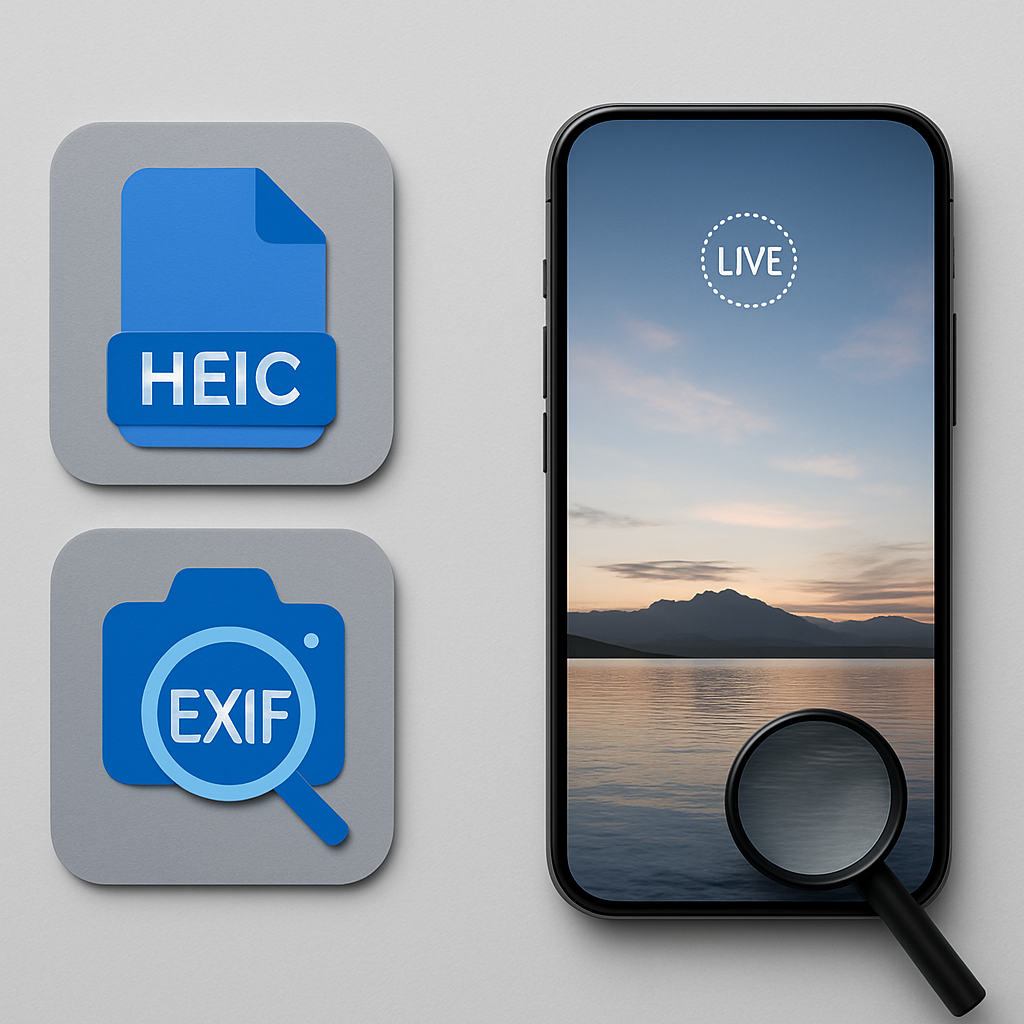
Imagine you just took a stunning photo on your iPhone. You love it so much, you want to share it with friends. But when you send it, they can’t see all the details you want them to. What’s missing? It might be the EXIF metadata or the Live Photo feature that makes your shot special. In this post, we’ll explore if HEIC files contain EXIF metadata and if they support Live Photos.

What is HEIC?
HEIC stands for High Efficiency Image Container. Think of it like a suitcase for your photos. Just like a suitcase can hold many items, HEIC can store images, videos, and other data in one neat package. This makes HEIC files smaller than other formats, like JPG, without losing quality. It’s especially useful on devices like iPhones, where storage space is valuable.
Does HEIC Support EXIF Metadata?
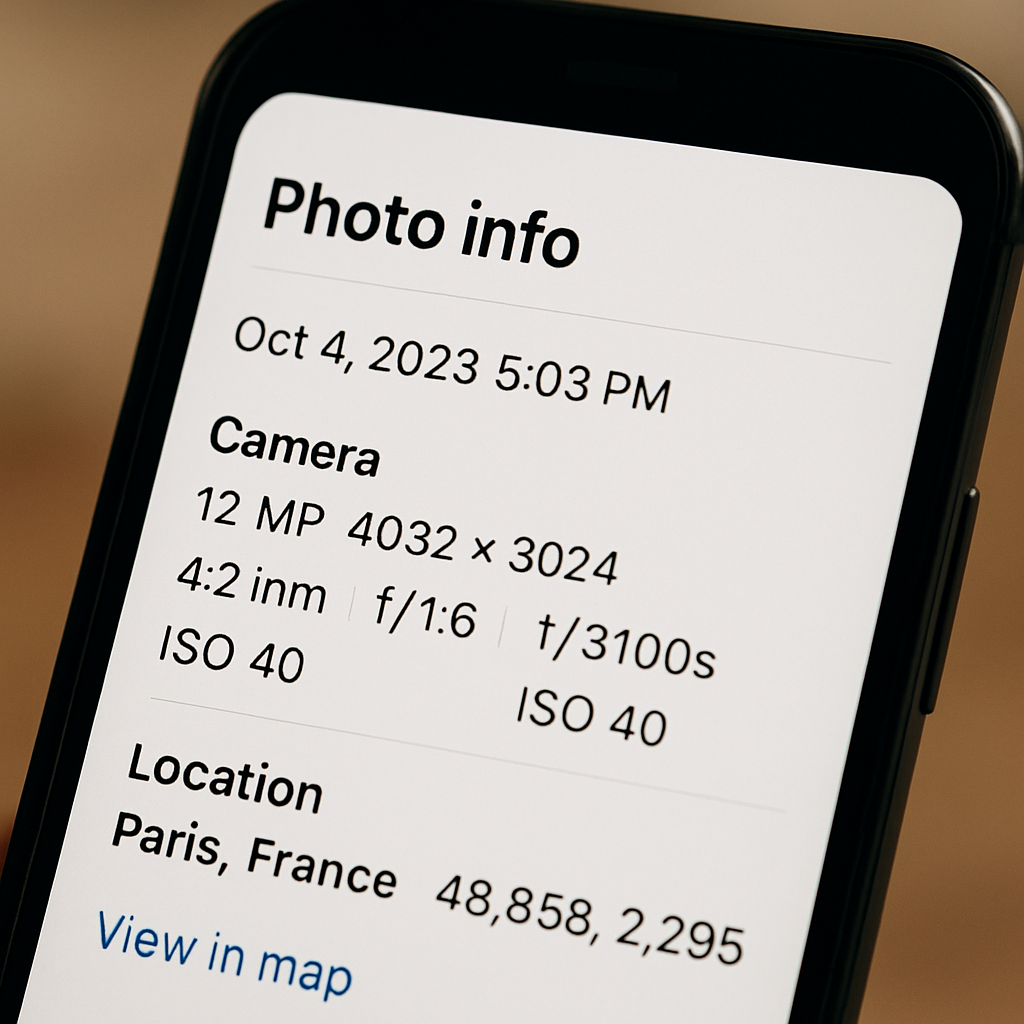
Yes, HEIC files can hold EXIF metadata! EXIF (Exchangeable Image File Format) metadata is like the label on your suitcase. It tells you important details about the photo, like when it was taken, the camera settings, and even the location. When you take a picture with your iPhone, the HEIC file created includes this metadata, so you don’t lose any important information.
This is great because you can still see all the details that matter, even if the file size is smaller. Plus, if you share the HEIC file, the metadata travels with it, so your friends can also see those details.
What About Live Photos?
Live Photos are another cool feature of the iPhone. They capture a few seconds of video along with your still image. So, when you press down on a Live Photo, you can see a little moment come to life. The good news is that HEIC files can also store Live Photos! When you take a Live Photo, it saves both the image and the video in a single HEIC file.
This means you can share your Live Photos without losing any of the magic. Friends who receive your HEIC file can enjoy the still image and the short video clip together, making the memory even more special.
Pros and Cons of HEIC Files
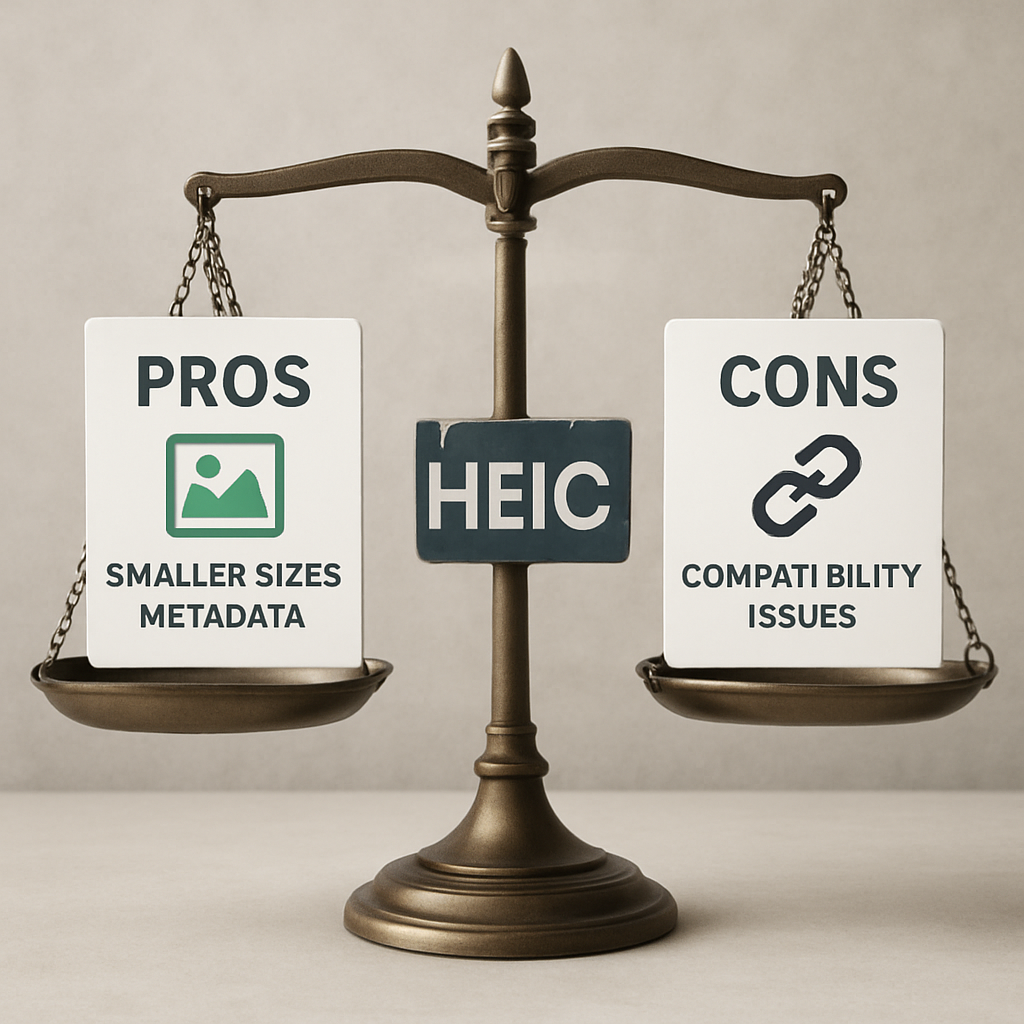
Like any format, HEIC has its ups and downs. Here’s a quick look:
Pros:
Smaller file sizes without losing quality.
Supports EXIF metadata and Live Photos.
Great for saving storage space on devices.
Cons:
Not all devices and software support HEIC.
Some people may find it tricky to share with others who don’t use Apple devices.
FAQ
Can I convert HEIC files to JPG?
Yes, you can! Converting HEIC files to JPG is easy and often necessary for compatibility with other devices. You can use tools like HEIC to JPG on heic.me for a quick conversion.
Does converting HEIC to JPG remove EXIF data?
It depends on the conversion tool you use. Some tools keep the EXIF data intact, while others may not. Always check the settings to make sure you keep the important details.
Are Live Photos saved as HEIC when I share them?
Yes! When you share a Live Photo, it saves as a HEIC file, keeping both the image and the video. This means your friends can enjoy the full experience.
What devices can open HEIC files?
HEIC files are mostly used on Apple devices like iPhones and iPads. However, some Windows and Android devices can also open them, especially with updated software.
Conclusion
HEIC files are a powerful way to store your photos. They can hold both EXIF metadata and Live Photos, making them useful for keeping all your important details. If you ever need to convert or view your HEIC files, just visit heic.me. No installs, no sign-up — just drag, drop, and done.